


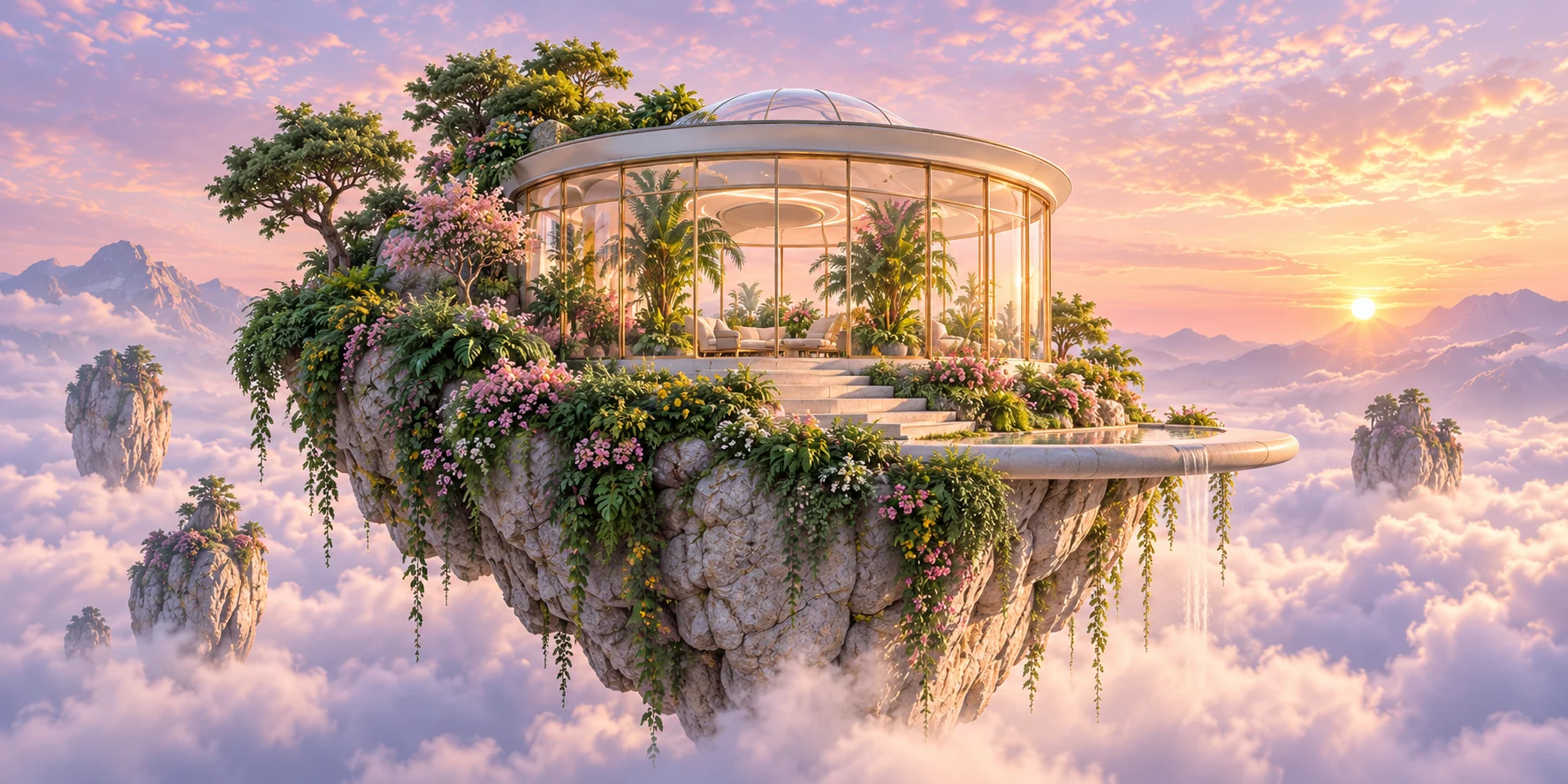
Text-to-Image Generation
Describe subjects, scenes, and styles to create pictures from scratch. This AI image editor generates concept art, illustrations, and original visuals without an upload.
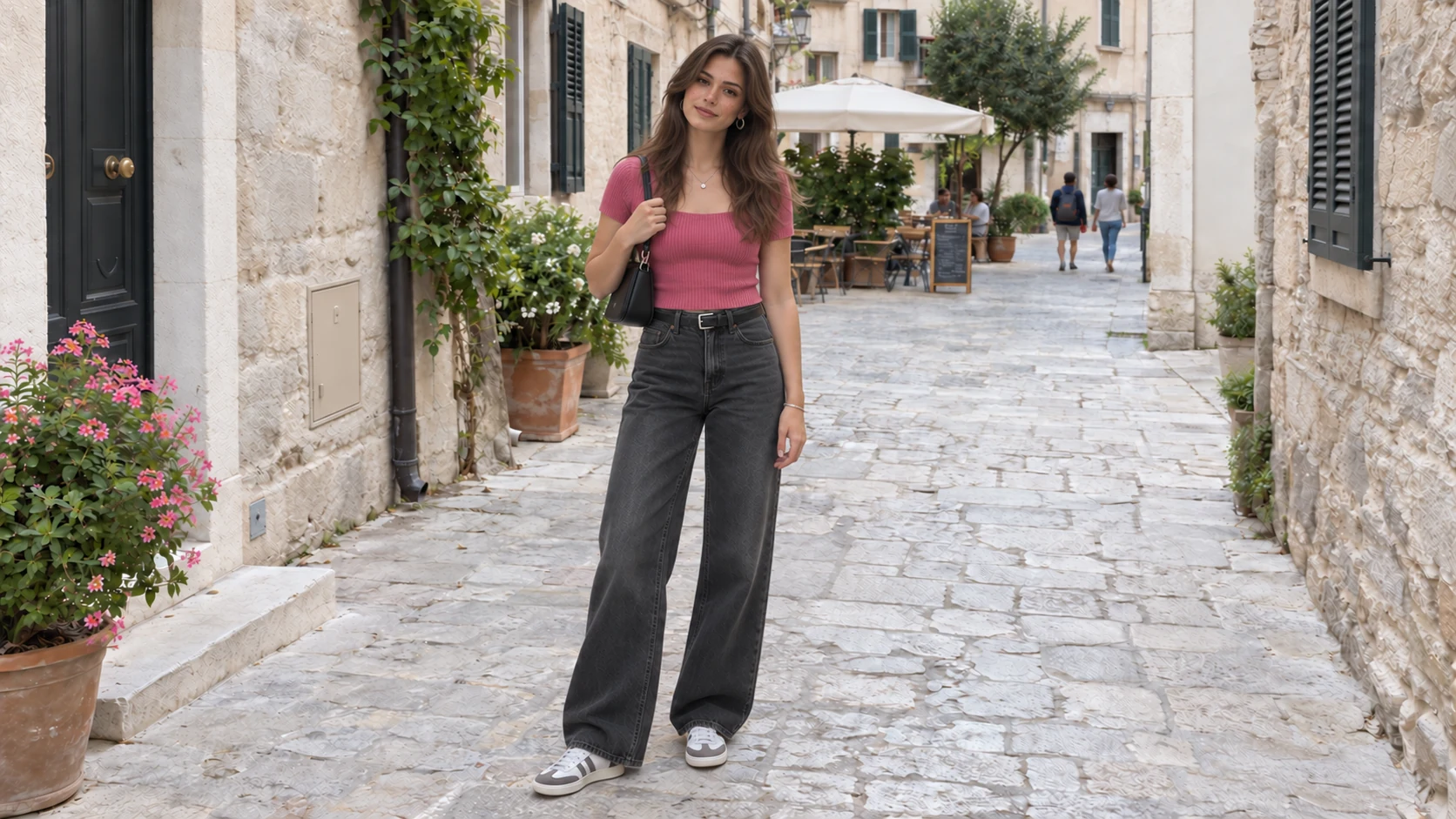
Use this free AI photo editor to generate new images from text, edit uploaded photos, replace backgrounds, adjust lighting, and remove unwanted objects.
Try the AI Photo Editor for FreeFree trial credits for eligible new accounts. Sign in with email or Google to get started.
Generate new images from text or modify uploaded photos in this free AI photo editor.
Create: Type a descriptive prompt to generate an image from text.
Edit: Upload a photo and describe the changes to make.
Describe a scene to create an image from scratch, or upload a photo to make specific edits.
Describe subjects, scenes, and styles to create pictures from scratch. This AI image editor generates concept art, illustrations, and original visuals without an upload.
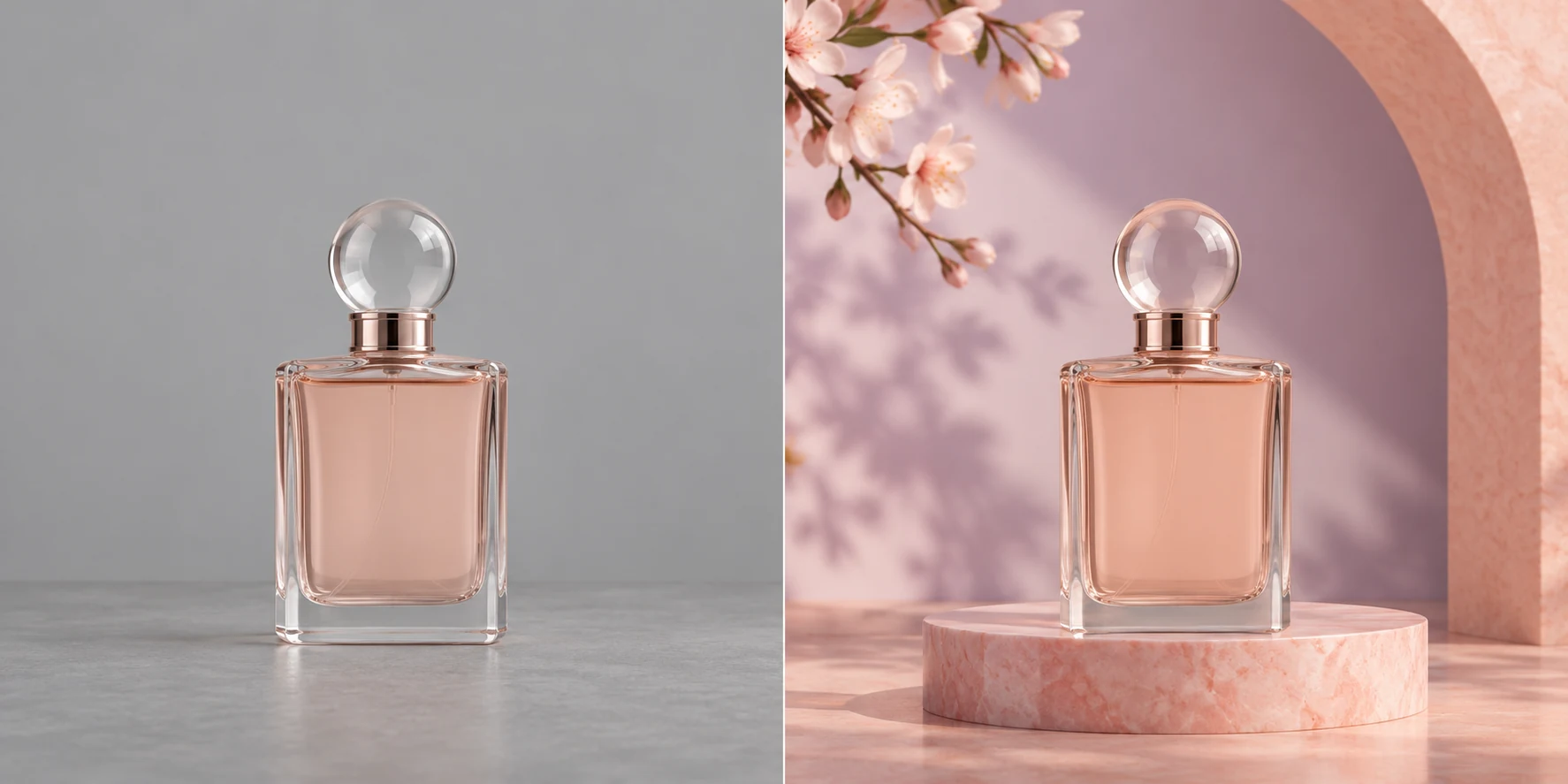
Upload a photo and describe the background, lighting, or details to modify. This AI photo editor updates product shots, portraits, and everyday pictures using plain-text instructions.
Work entirely in your browser without software installs, complex brush tools, or switching between apps.
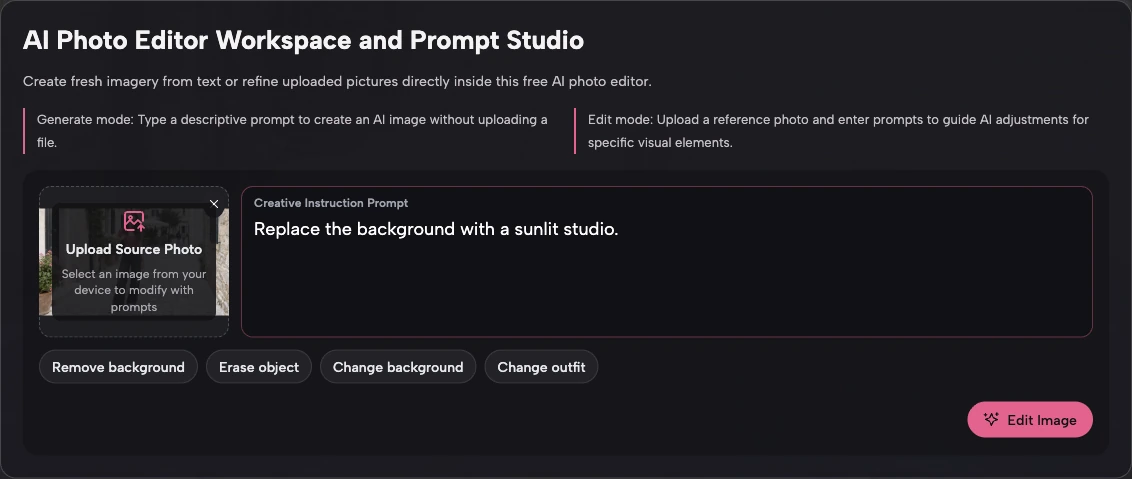
Open the editor in your desktop or mobile browser without downloading or installing any software.
Type what you want to change in plain language instead of learning complex brush tools or layer menus.
Create new images from text and edit existing photos in the same browser tab, keeping your entire workflow in one place without switching apps.
Follow three simple steps to create or edit images in your web browser without complicated tools.
Sign in with email or Google. Free trial credits are available for eligible new accounts after verification. Once signed in, you can generate a new image or edit a photo.
To create an image, type a detailed description of the scene. To edit a photo, upload your image first and describe the adjustments to make.
Click Generate Image or Edit Image to process your request. Check your image, download your result, or update the prompt to try new variations.
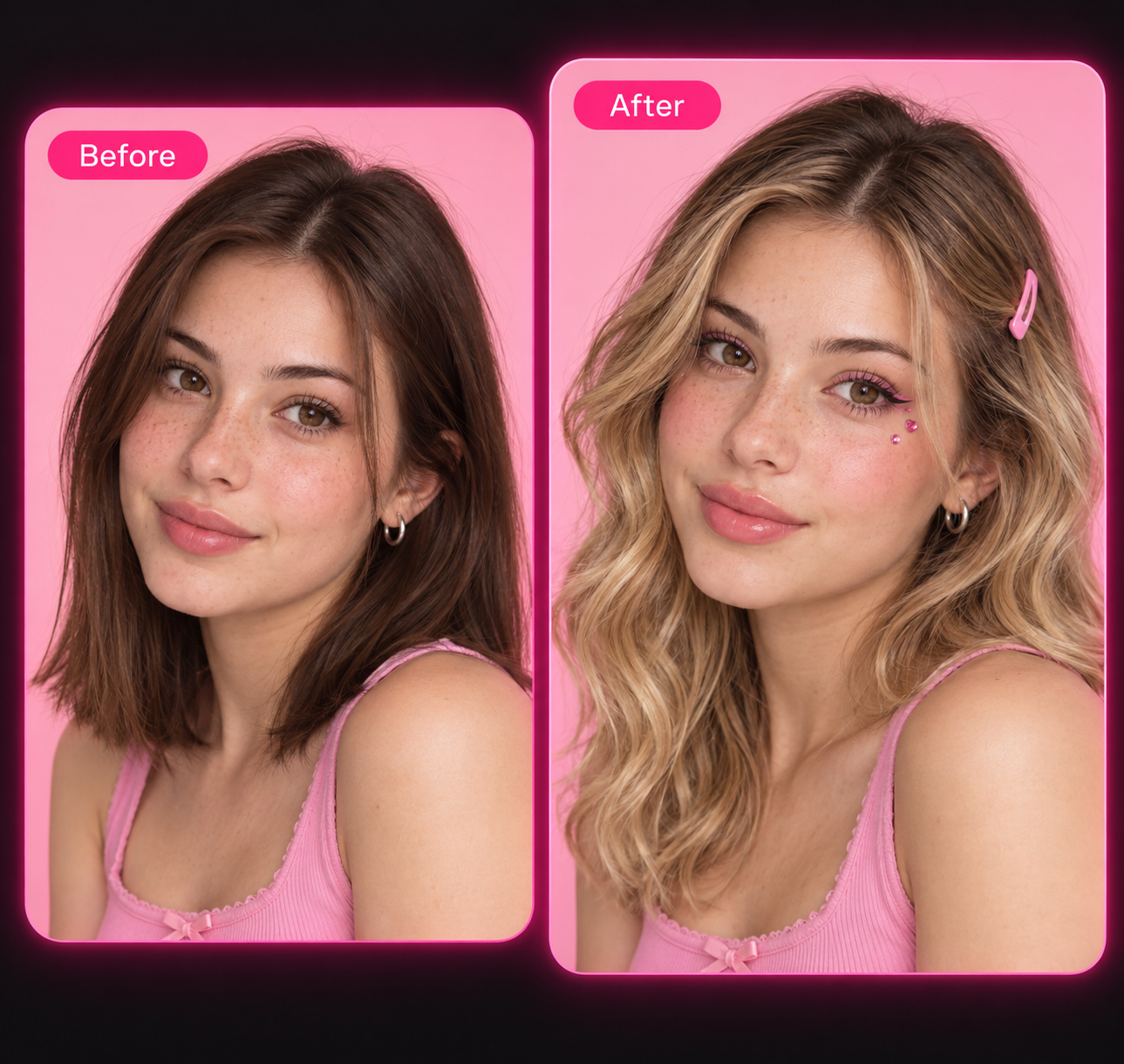
Explore practical ways to edit photos and create artwork in EzMaker. See how the AI image editor helps you replace backgrounds, remove unwanted objects, and explore new visual styles.
Transform cluttered backgrounds into outdoor settings, studio environments, or solid backdrops. Upload a photo and enter a prompt detailing the new setting.
For example, request a wooden tabletop with morning sunlight or a marble counter for your product image. Test descriptions inside the AI image editor to match seasonal themes, and describe the lighting you prefer for your new background.
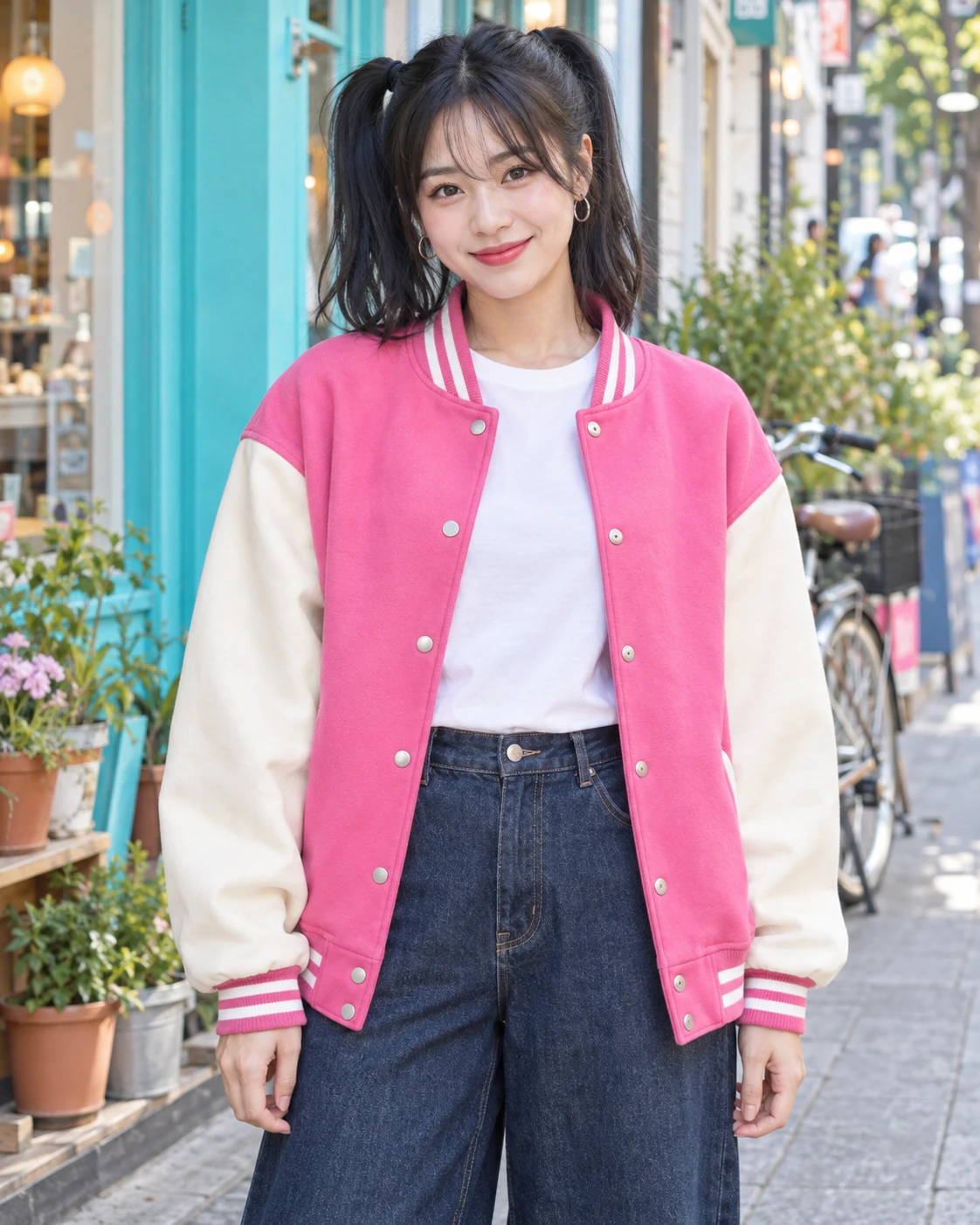
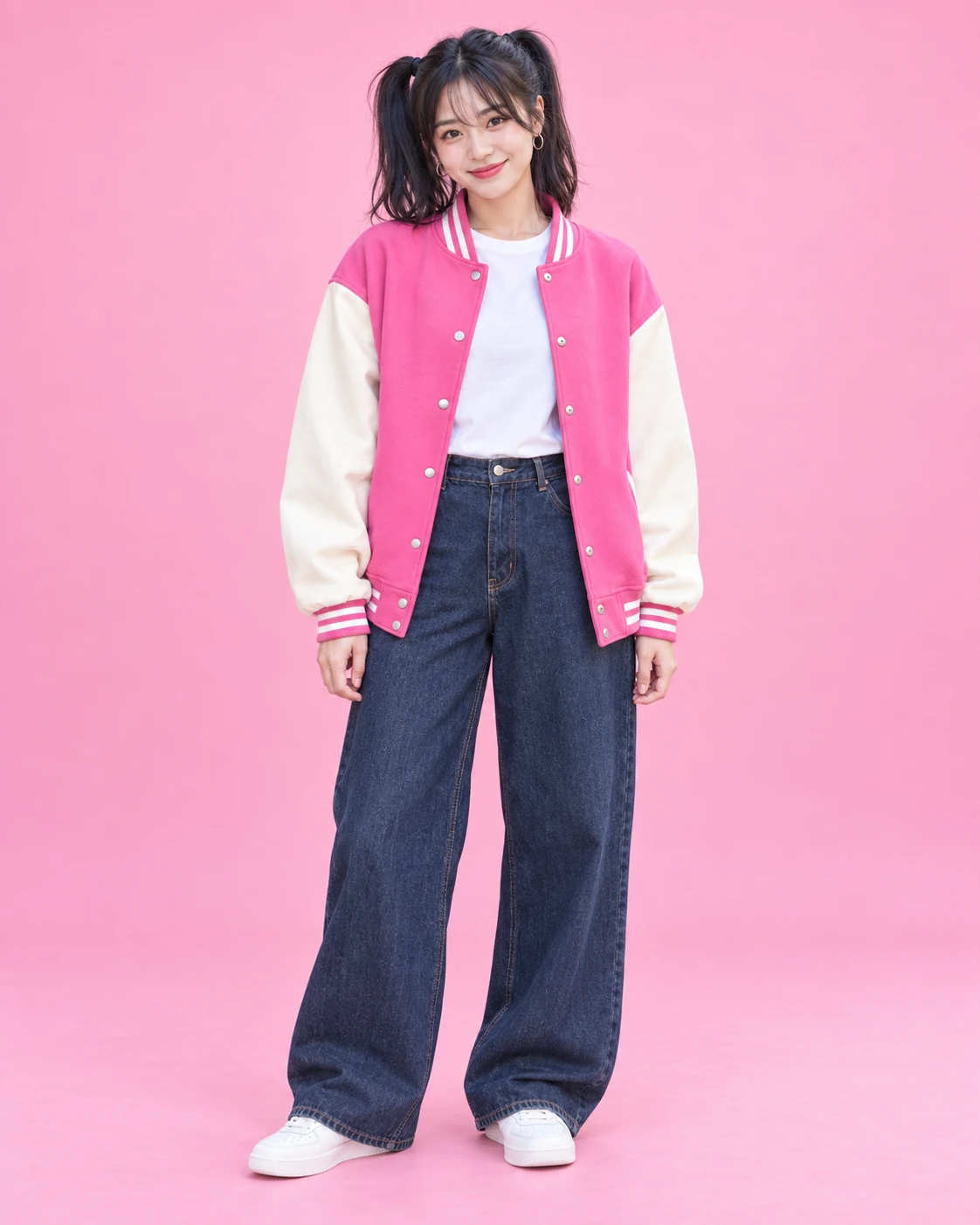
Remove unwanted passersby, background poles, or clutter by describing what to take out of the frame and how the area should be filled.
You can also change clothing colors, add decorative items, or adapt an existing photo for promotional campaigns with this AI image editor.
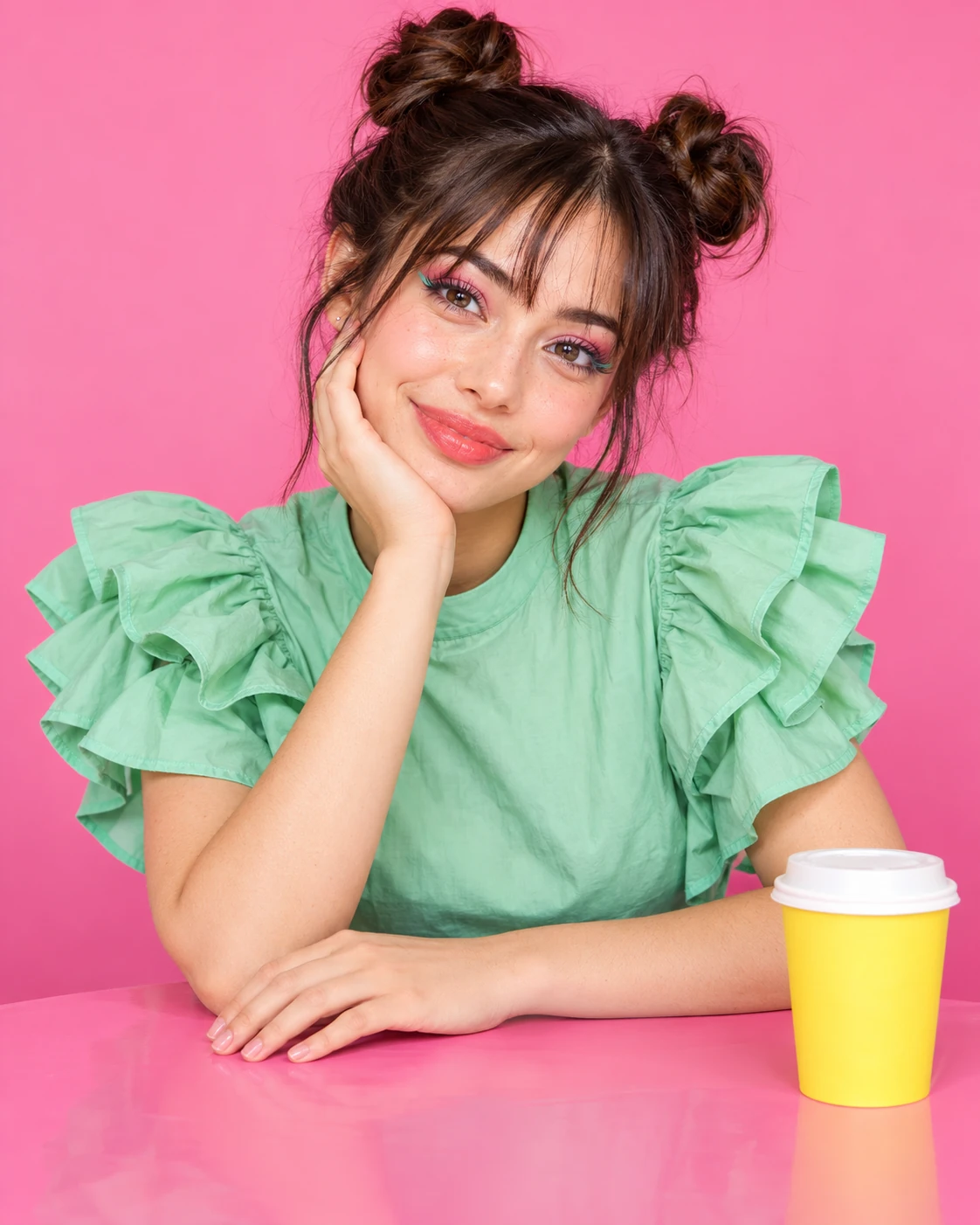
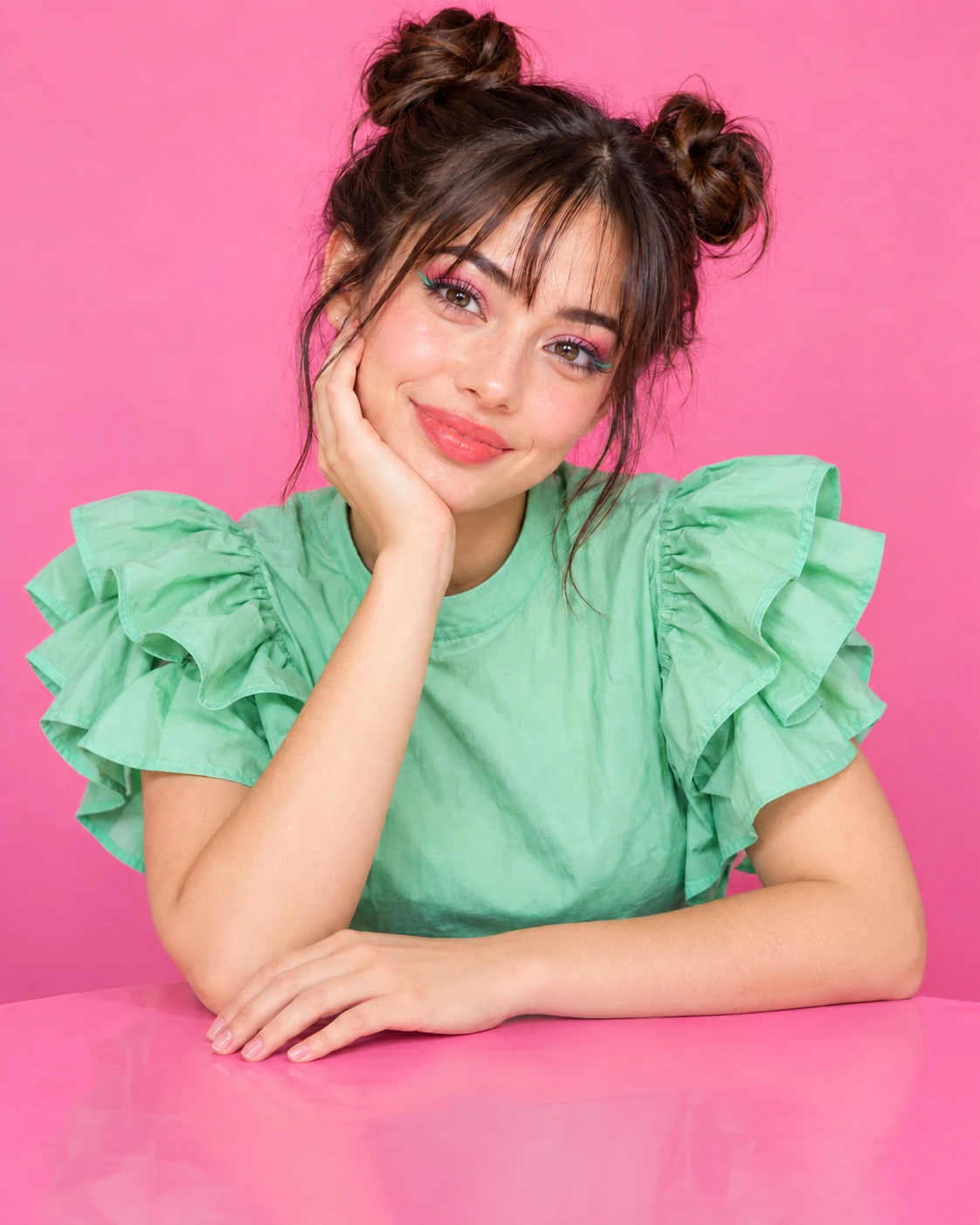
Turn photos into watercolor paintings, cyberpunk illustrations, or film scenes. Upload an image to guide composition, or experiment with prompts featuring warm golden-hour lighting, cool neon tones, or soft pastel palettes.
You can also create visuals from scratch using text prompts. Test prompt variations in the AI image editor to explore fresh artistic styles.
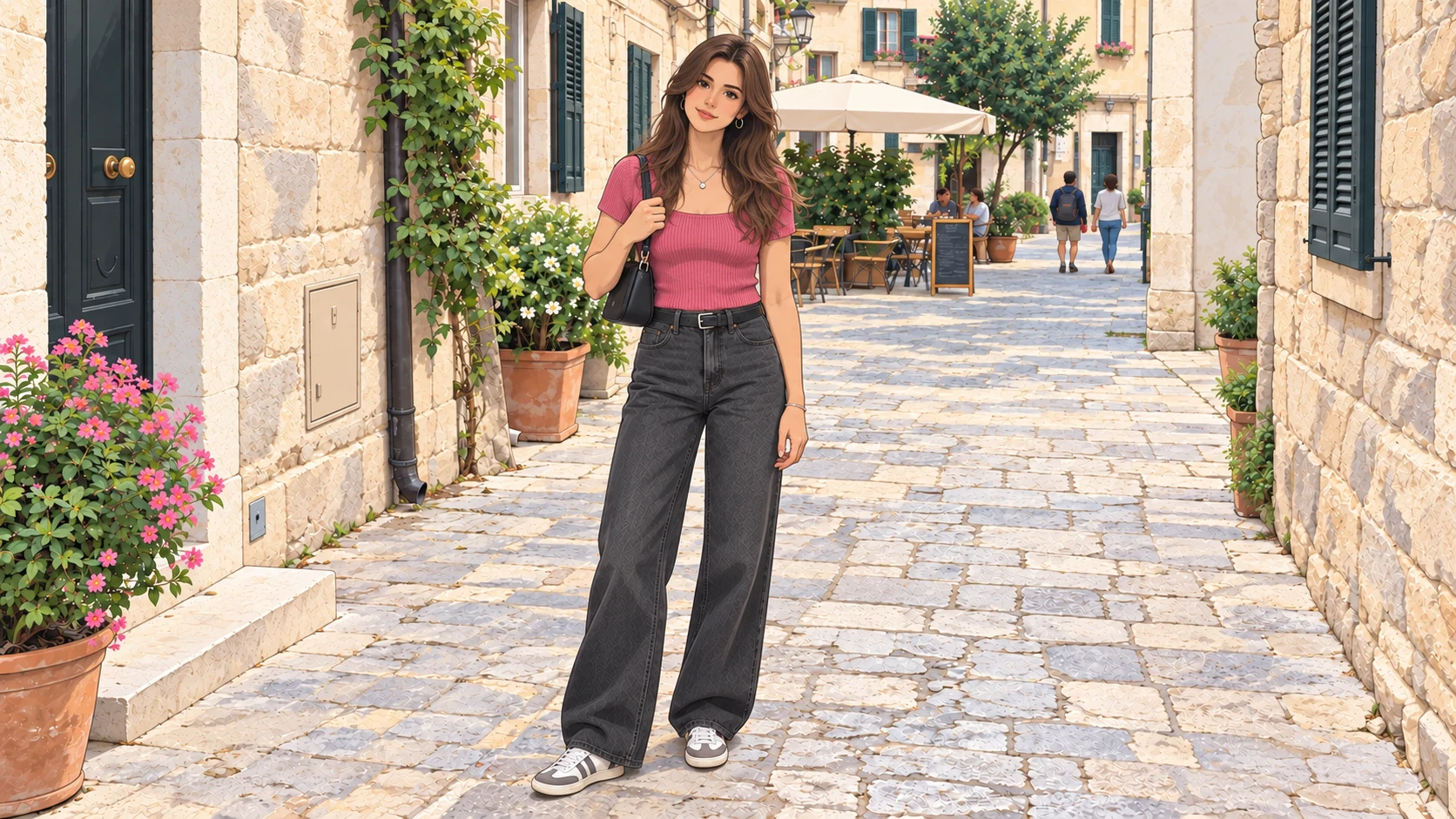
Open EzMaker in your browser to adjust backgrounds, remove unwanted objects, or generate a new AI image with simple prompts.
Free trial credits for eligible new accounts. Sign in with email or Google to get started.
Answers to common questions about features, account sign-in, creative prompts, and AI image generation.
Sign-in is required to generate or edit images. You can browse the workspace and prepare prompts beforehand, but you need an account with Google or a verified email address to process images.